
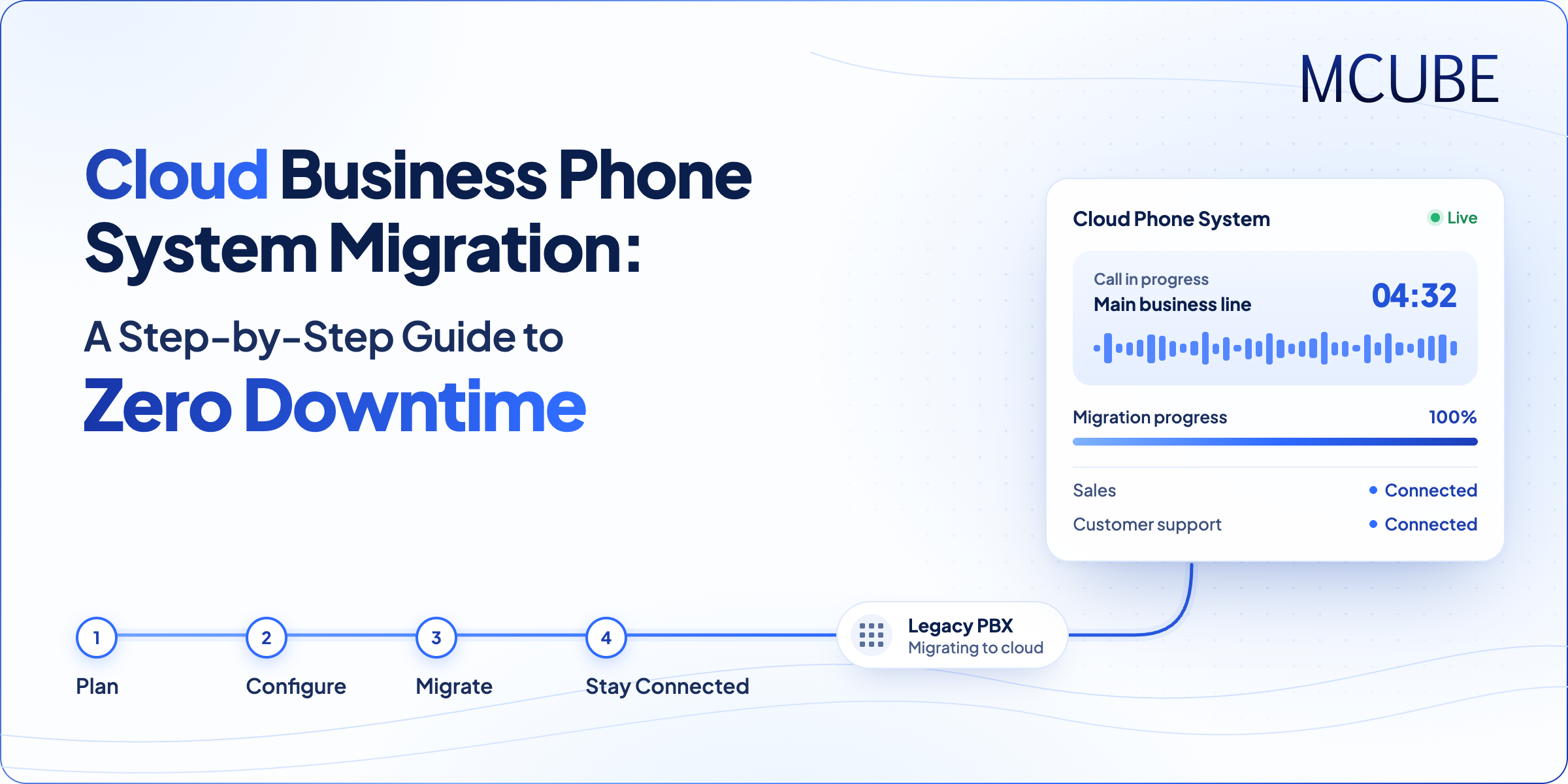
Imagine your sales team is in the middle of a busy Monday. Customers are contacting your business, the support staff is managing customer complaints, and new leads are waiting for a call back from your business. Now, imagine switching your entire phone system during this rush. A short delay may result in the loss of inquiries, delayed responses and business.
That’s why migrating to a cloud business phone system is the best solution if done with careful planning. The communication infrastructure needs to be upgraded without disrupting existing conversations. When companies choose the right provider, test properly, and have a phased migration plan, the risks of downtime can be minimized and the transition can be smoother.
Why Businesses Are Switching to a Cloud Business Phone System
Traditional phone systems often depend on physical hardware, office-based infrastructure, hidden costs, and manual maintenance. Adding new users or supporting remote teams can also become complicated as a business grows.
Cloud phone systems are more convenient as they enable companies to handle calls through the internet. Incoming calls can be transferred to the team, assigned to a specific team member and logged into the respective department, and the call history can be retrieved through a central system.
Other features that can be used with cloud telephony include automated menus, call recording, call queues, and CRM integration. These are some of the features that can benefit teams in their management of customer interactions while simultaneously alleviating the need for an on-premise phone system.
A Step-by-Step Guide to Migrate to a Cloud Business Phone System
Step 1: Review Your Existing Phone System
Before the migration process starts, document your existing phone system. Consider checking all business numbers, extensions, departments, users, call flows, and third party integrations.
Check current IVR menus, rules for call forwarding, business hours, and escalation protocols. Discuss and clarify what should be kept the same and what processes should be improved.
Also, review your contract, number ownership, and internet connection. This assessment is used to develop a migration checklist and minimize the risk of missing out on important configurations.
Step 2: Choose the Right Cloud Telephony Provider
Your provider plays an important role in the migration process. Look beyond pricing and evaluate the provider’s reliability, implementation support, integration capabilities, and ability to handle your call volumes.
Ensure that the new cloud business phone system meets your current needs and is scalable to accommodate future needs. If you want to keep your existing business line number, determine the number porting needs and timeframe before the transition.
A provider that offers configuration help and testing support can help your team get ready for the change and lower the risk of operation.
Step 3: Configure the New System Before Migration
Set up the new platform before moving live customer calls. Set up user accounts, department extensions, call queues and an IVR system to route callers to the appropriate team.
Set up CRM integration, call recording, business hours, fall back routing (if applicable). For these to be correct, the temporary number or test environment can be used to test the settings out first prior to transferring to the main number.
MCUBE’s cloud telephony solutions include virtual number provisioning, IVR and call routing configuration, agent setup, CRM integration, and call monitoring. These can be built on top of what already exists in the business communication process.
Step 4: Run Both Systems in Parallel and Test Every Call Flow
A practical idea to minimize disruption is to leave the current system in place whilst the new one is set up and tested. The actual parallel running will depend on your carrier, provider and number porting process.
Prior to going live, test the following:
- Inbound calls: Ensure that calls are going to the right numbers & departments.
- IVR and call routing: Check menu options, transfer, queues and escalation rules.
- Outbound calls: Ensure agents are able to make outbound calls successfully.
- CRM integration: Ensure that call records and customer information are accurate and up-to-date in CRM.
- Call quality: Check for audio clarity, call stability, and recording quality when making a call.
- Fallback routing: Confirm how calls will be handled if the primary route becomes unavailable.
Document any issues, fix them, and retest before moving on to the next.
Step 5: Plan Number Porting and the Final Cutover
If you are not planning to change business number, plan number porting beforehand with your current and new carrier by providing all the documentation required. Verify ownership information and get confirmation on the anticipated porting timeframe.
Schedule the final switch during a period of lower call activity, where possible. Maintain the current service until the transfer is finalized and the new service is running as intended.
Plan for alternate routes and make a contact for escalation in case of unforeseen problems. The timeline for number porting varies from number to number, so don’t assume that all number porting takes place in real time.
Step 6: Train Employees and Monitor Performance
The comfort of employees while working with the new system is also important for a successful migration. Provide training to agents to receive calls, redirect calls, schedule their availability, and use softphones or supported desktop or mobile applications.
Once the migration is complete, track call connection, dropped calls, queue time, audio quality, and CRM updates. Listen to calls and performance reports and look for problems that may otherwise go unnoticed.
Address problems promptly and collect feedback from employees during the initial days of operation. This helps ensure that the new system supports daily work as intended.
Common Cloud Phone System Migration Mistakes to Avoid
Even a well-planned migration can face problems if key details are overlooked. Avoid these common mistakes:
| Common Mistake | How to Avoid It |
|---|---|
| Moving numbers before testing | Test call flows and integrations before switching. |
| Cancelling the old service too early | Keep the existing service active until the transfer is confirmed. |
| Ignoring internet readiness | Check network connectivity and performance before migration. |
| Skipping employee training | Train employees to use the new system before the switch. |
| Having no backup plan | Set up fallback routing and escalation procedures with your provider. |
How MCUBE Helps Businesses Move to Cloud Telephony
MCUBE provides cloud-based business communication solutions that support inbound and outbound calling, IVR, virtual numbers, call routing, CRM integration, and performance monitoring. Its platform also supports call recording and reporting, helping teams track conversations after migration.
Organizations can ensure a smoother migration to a cloud business phone system by mapping out the setup to their current call flows, setting up integrations, and testing key functions before implementing the switch.
Conclusion
Transitioning to a cloud business phone system doesn’t have to cause a disruption in business. Companies can map out, test and choose a trustworthy cloud telephony vendor, and make the transition to a new system with minimal loss of calls and service downtime. From configuring call flows to training employees and monitoring performance, every step helps ensure a smoother transition. With MCUBE’s cloud telephony services, businesses can optimize their calling experience, integrate the communication environment and create a communication system that adjusts to the ever-changing requirements of the enterprise.