
Scenario 1: It’s 11 a.m. on a Monday, and a customer is on hold with a mid-sized insurance company. She’s already been transferred once to a department that doesn’t handle claims, and again to an agent who wasn’t available. By the time someone actually helps her, she’s spent eleven minutes on a call that should have taken two. She hangs up frustrated, and the company has no idea how close they came to losing a renewal.
Scenario 2: A customer calls a business to ask about a product, but the call is routed to the wrong team. They are transferred twice, wait in a queue, and eventually hang up. The sales team never gets the inquiry. And the customer never returns to purchase from this business.
Situations like this are common when businesses receive a large number of calls without a structured way to manage them. Call routing software helps solve this problem by routing incoming calls to the right person, department, or destination based on predefined rules. When combined with IVR, queues, analytics, and CRM integrations, it can make everyday customer interactions faster and more organized.
What Is Call Routing Software?
Call routing software is a system that automatically directs incoming calls to the most suitable agent, team, or department, based on the predefined rules set by the business. Things include agent skill, call priority, time of day, or customer history. Instead of a receptionist manually transferring calls, which often leads to the wrong route, the software reads the caller’s intent and routes the call to the right department or agent instantly.
This is basically based on automatic call distribution to control the flow of calls so that not a single agent or team is overburdened with work, while others are idle. It’s the unseen force that keeps a contact center organized, even when call volumes spike without warning.
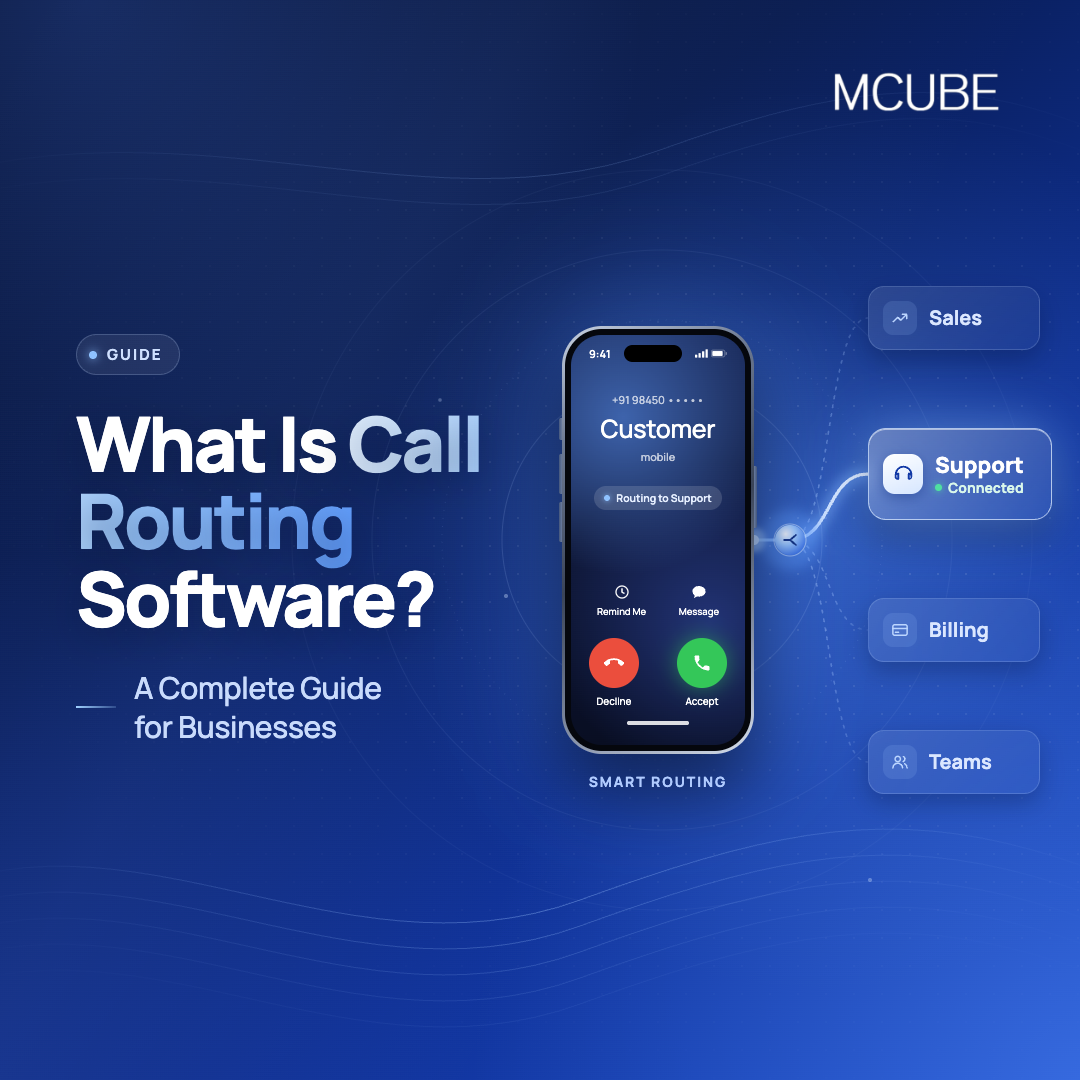
For example, a customer can select sales, support, or billing through an interactive voice response (IVR) menu. The system then routes the call accordingly.
This helps businesses reduce unnecessary transfers, manage incoming call volumes, and give customers a clearer path to the right team.
How Does Call Routing Software Work?
The process generally follows a simple sequence:
- A customer calls the business number.
- The system identifies the caller’s requirement through IVR or predefined rules.
- Routing rules are checked based on availability, department, time, skill, or priority.
- The call reaches the appropriate agent or team.
- If the agent is unavailable, the system follows a fallback rule, such as sending the caller to another agent, queue, number, or voicemail.
For instance, a customer calling outside business hours could hear a customized message and be directed to voicemail or another available number.
This entire sequence usually takes a caller a few seconds to experience, even though several decisions are happening behind the scenes.
Types of Call Routing
Not every business needs the same routing logic, and most call routing software platforms let you combine more than one type depending on the situation:
- Skill-based routing: Connects customers with agents who have the relevant knowledge or expertise.
- IVR-based routing: Lets callers select the department or service they need.
- Time-based routing: Routes calls differently during business hours, weekends, holidays, or after-hours.
- Round-robin routing: Distributes calls among available agents in a predefined sequence.
- Priority-based routing: Gives priority to specific callers, departments, or types of inquiries.
- Fallback routing: Redirects unanswered calls to another available destination.
Key Features to Look for In a Call Routing Software
When comparing solutions, look beyond basic call forwarding. The right platform should provide enough flexibility to handle different teams, call volumes, and customer requirements.
| Feature | What It Does | Business Benefit |
|---|---|---|
| IVR | Guides callers through menu options | Helps customers reach the right department |
| Smart Call Routing | Routes calls based on predefined rules | Reduces unnecessary transfers |
| Call Queues | Holds calls when agents are busy | Manages high call volumes efficiently |
| Skill-Based Routing | Matches callers with suitable agents | Improves the relevance of customer support |
| Business-Hour Routing | Changes call flows based on operating hours | Ensures calls are handled appropriately |
| Call Recording | Records customer conversations | Supports monitoring and quality checks |
| Real-Time Analytics | Tracks calls and agent performance | Helps managers make informed decisions |
| CRM Integration | Connects calling data with customer records | Gives agents useful customer context |
How Does MCUBE IVRS Help Improve Customer Experience?
With MCUBE’s IVRS, businesses can better manage incoming calls and direct customers to the appropriate teams. It has single and multi-level IVRS, which enables businesses to design a layered and structured call journey, and smart routing can provide an intelligent way to route calls according to the callers’ needs and pre-defined rules.
Businesses can also configure business-hour and holiday call flows, manage queues during high-volume periods, monitor conversations, and access call reports and analytics.
These capabilities help reduce the effort customers spend finding the right department while giving businesses better visibility into how calls are handled. When connected with CRM and helpdesk systems, MCUBE can also bring calling activity closer to existing customer workflows.
For businesses looking to integrate IVRS with broader cloud communication capabilities, MCUBE offers a range of tools for managing customer calls and engagement.
Business Benefits of a Call Routing Software
With proper configuration, call routing software doesn’t just route calls; it alters the way a business functions on a daily basis. Callers aren’t bounced between departments, which helps to shorten wait times. Agents deal with calls they can handle and avoid transfers and repeat explanations. Analytics provide visibility for managers beyond guesswork, as they are able to see the opportunities for friction at peak hours and bottlenecks. Additionally, routing logic can shift as per the time of day or volume of calls that come through, avoiding the two extremes of idle agents and overfull queues. This helps to achieve significantly improved first call resolution and better customer retention over time.
Conclusion
The right call routing software isn’t only about moving calls faster, it’s about making customers feel heard. As inbound volumes grow, the businesses that invest in smart routing early tend to spend less time attending and transferring every call manually and more time actually serving customers. If you’re considering your first IVR solution or replacing an old one, then you should test out an IVR platform like MCUBE that offers scalable routing capabilities alongside analytics and integrations.