
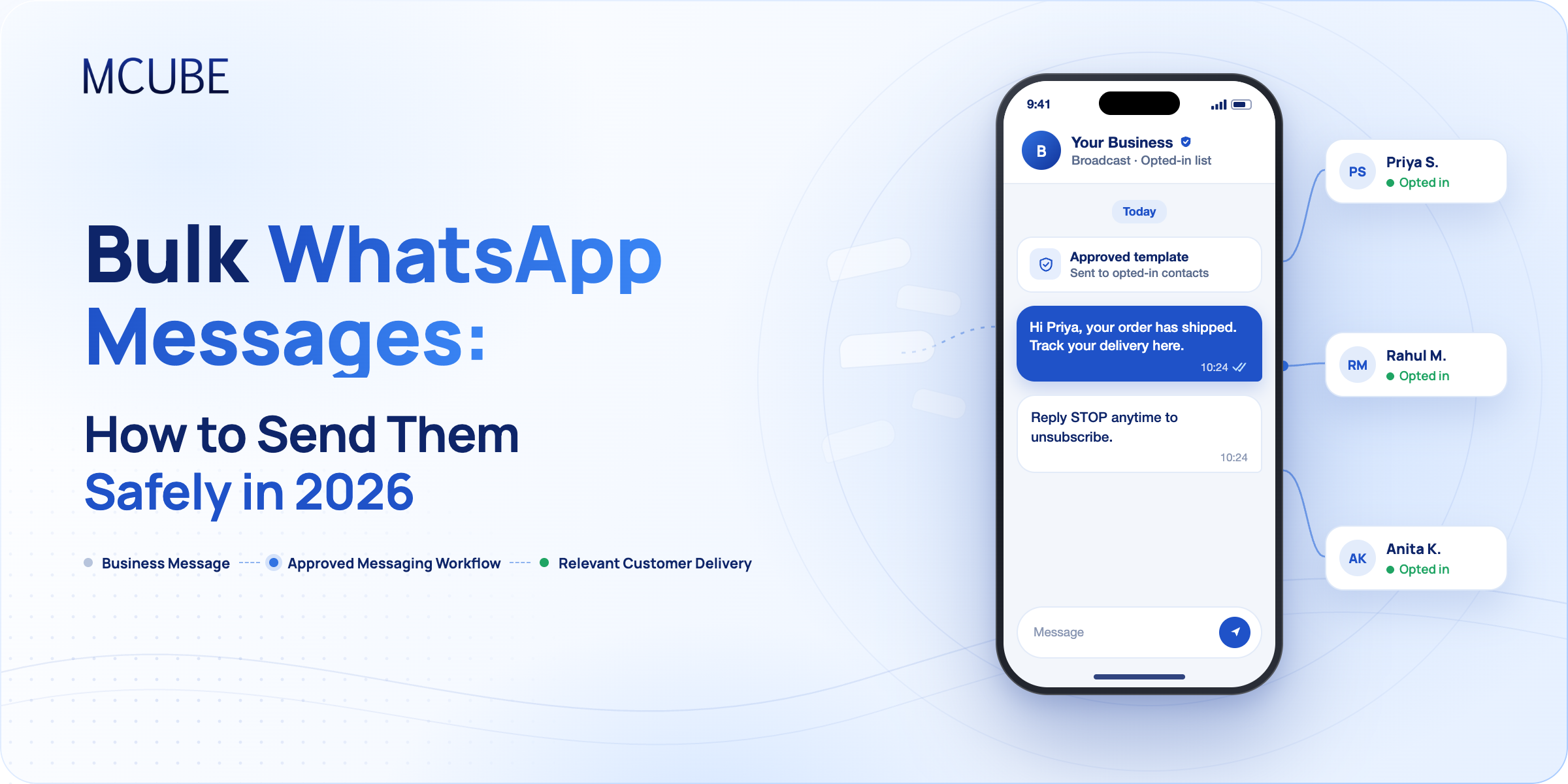
Riya has a small business of selling sarees in Kolkata. Three days prior to Pujo, she affixed 800 numbers of her customers to her phone and sent a festive offer. By nightfall there was a lot of feedback. Her number was banned by the next morning. Years of customer conversations were lost in her busiest week. Now, suppose that a business is ready for a jolly sale. It needs to reach out to hundreds of existing customers with updates on new offers, discounts, and product releases, and suddenly it’s happening. Her idea was fine. Bulk WhatsApp messages can generate actual sales and customers do read WhatsApp messages. The issue was with the method.
Bulk WhatsApp messages can be helpful for businesses to send updates, promotions, reminders, and other key messages to multiple customers. But there is a need for the right tools and practices to send messages in bulk. This guide will help you learn how to send bulk messages safely in 2026 without risking your number.
What Are Bulk WhatsApp Messages?
Bulk WhatsApp messages are the messages that are sent to many people at once via WhatsApp. They are used by businesses to promote offers, announce new products, update on orders, remind people of an appointment, and inform people about payments.
Companies do not have to reach out to customers one by one. Instead, they can use messaging platforms to target a greater number of customers in a shorter period of time. This helps to make communicating more manageable, and keep things consistent throughout customer interactions.
For businesses with growing customer databases, bulk WhatsApp messaging also offers an opportunity to personalize communication, automate notifications, and improve customer engagement.
Why Bulk WhatsApp Messages Get Numbers Banned
WhatsApp is built for personal conversations, so it closely monitors spam-like behavior. Numbers usually get flagged for four reasons:
- Messaging people who never agreed to hear from you
- Using unofficial automation tools on a regular account
- Sending the same text to hundreds of people in minutes
- Collecting frequent blocks and reports
Once flagged, recovery is a slow process, and not always successful. All of your customer lists, chat history, and trust can be lost at the same time. Safe sending mostly comes down to following WhatsApp’s rules, rather than finding clever workarounds.
How Can Businesses Send Bulk WhatsApp Messages?
There are two common ways to send messages to multiple customers through WhatsApp.
WhatsApp Business App
The WhatsApp Business App allows small businesses to send broadcast messages to saved contacts. A broadcast list can include up to 256 recipients. However, recipients generally need to have saved the business number to receive broadcast messages. It is suitable for businesses with smaller customer lists and basic communication requirements.
WhatsApp Business API
The WhatsApp Business API, or WhatsApp Business Platform, is actually for businesses which have more extensive communication needs. It provides automated messaging, allows for approved messaging templates, CRM integration, and supports scalable customer interactions. Unlike apps, customers don’t need to save the business number for API messages, but businesses do need to follow WhatsApp’s consent and messaging policies.
Difference between WhatsApp Business App and WhatsApp Business API
| Feature | WhatsApp Business App | WhatsApp Business API |
|---|---|---|
| Best Suited For | Small businesses | Growing and large businesses |
| Broadcast Limit | 256 contacts per list | Based on applicable messaging limits |
| Automation & CRM | Basic automation; limited CRM integration | Advanced automation and CRM integration |
| Message Templates | Saved replies | Approved message templates |
| Scalability | Limited | Supports larger messaging requirements |
7 Best Practices to Send Bulk WhatsApp Messages Safely in 2026
Sending messages to hundreds or thousands of customers requires more than just a contact list. Here are seven practices businesses should follow:
Get Customer Consent
Always obtain permission before sending promotional or business-initiated messages. Customers should know what kind of communication they are signing up for.
Use the Official WhatsApp Business Platform
Use official WhatsApp Business API solutions rather than unofficial bulk messaging extensions or tools. These tools may put your business account at risk.
Use Approved Message Templates
For business-initiated conversations outside the 24-hour customer service window, use templates approved by WhatsApp. Make sure the message matches its approved purpose.
Personalize Your Messages
Use the customer’s name and provide material of interest to them or in reference to their experience with the company. Do not promote the same generic message to every customer.
Avoid Over-Messaging
Sending out a lot of promotional messages repeatedly may bother a customer. Designed campaigns provide a sensible frequency of communication.
Provide an Opt-Out Option
Provide customers an option to stop receiving promotional messages. Honor their choices and adjust your contacts lists.
Monitor Message Quality
Keep track of delivery reports, read receipts, customer responses, blocks, and complaints. Use these insights to improve future campaigns.
Common Mistakes to Avoid When Sending Bulk WhatsApp Messages
Even a well-planned campaign can affect your business communication if certain practices are overlooked. Here are some mistakes to avoid:
- Buying contact lists: Purchased databases often contain people who have not agreed to receive your messages.
- Using unauthorized tools: You may find that unofficial software that automates the process could restrict your account.
- Sending irrelevant promotions: If you send out messages that are not related to what your customers like, you can get more blocks and complaints.
- Ignoring customer responses: Not responding to feedback can impact the customer experience.
- Overlooking WhatsApp policies: Non-compliance can cause issues with access to messages.
Sending bulk messages is not just about reaching more people. It is about reaching the right people with relevant information.
How MCUBE Helps Businesses Manage Bulk WhatsApp Communication
Managing customer communication manually becomes difficult as businesses grow. MCUBE’s WhatsApp Business API helps businesses simplify this process through automated and personalized messaging.
Here is how MCUBE supports business communication:
- Automated Messaging: Automatically send order confirmation emails, shipments and follow-up emails, and promotional offers.
- Personalized Communication: Communicate relevant information with customers to turn every information into interactions.
- Message Tracking: Monitor delivery and read receipts to understand customer engagement.
- CRM Integration: Link WhatsApp communication to existing CRM and customer service applications.
- Two-Way Communication: Give customers the chance to ask questions, seek help and communicate directly with business teams.
- Multimedia Messaging: Share images, videos, audio files, and documents through WhatsApp.
These features enable businesses to manage customer interactions, automate mundane communication, and handle messaging needs more efficiently.
Conclusion
Businesses nowadays use WhatsApp as a vital communication channel to keep in touch with their customers. But it takes the right proportion of reach, relevance, and responsible messaging to make a campaign successful.
By following the best practices to send bulk WhatsApp messages, choosing the right platform, and ensuring that you are sharing relevant and valuable information, businesses can ensure effective communication. With solutions such as the WhatsApp Business API, messaging becomes more seamless and allows businesses to handle customer interactions as your business communication grows.